OTP Not Received, Teen Patti Gold
Otp not received for teen patti gold players in India, how it works, what it costs and how long it takes.
What is OTP Not Received?
When you log in or register on Teen Patti Gold, the app sends a one-time password, a 4 or 6-digit code, to your registered mobile number via SMS. This code verifies your identity before granting access to your chips, tables, and game history. An OTP not received issue means that SMS never arrives, leaving you locked out while the on-screen countdown expires.

Unlike payment OTPs on PhonePe, GPay, or BHIM, where the UPI gateway retries delivery automatically, Teen Patti Gold relies on a standard SMS gateway. If the first delivery attempt fails, the OTP simply does not arrive unless you manually tap Resend. That makes carrier issues and device settings the two biggest culprits to investigate first.
Common reasons the OTP does not arrive
- Weak or no mobile signal: SMS delivery fails silently when your phone has low bars or is on Airplane mode.
- DND (Do Not Disturb) active: TRAI's DND registry can block transactional SMS sent from short codes used by apps like Teen Patti Gold.
- Wrong phone number entered: A single incorrect digit routes the OTP to a different subscriber entirely.
- SMS inbox full: Many Android devices stop accepting new SMS when message storage is exhausted.
- Carrier-level filtering: Jio, Airtel, Vi, and BSNL occasionally flag OTP messages as spam, blocking delivery.
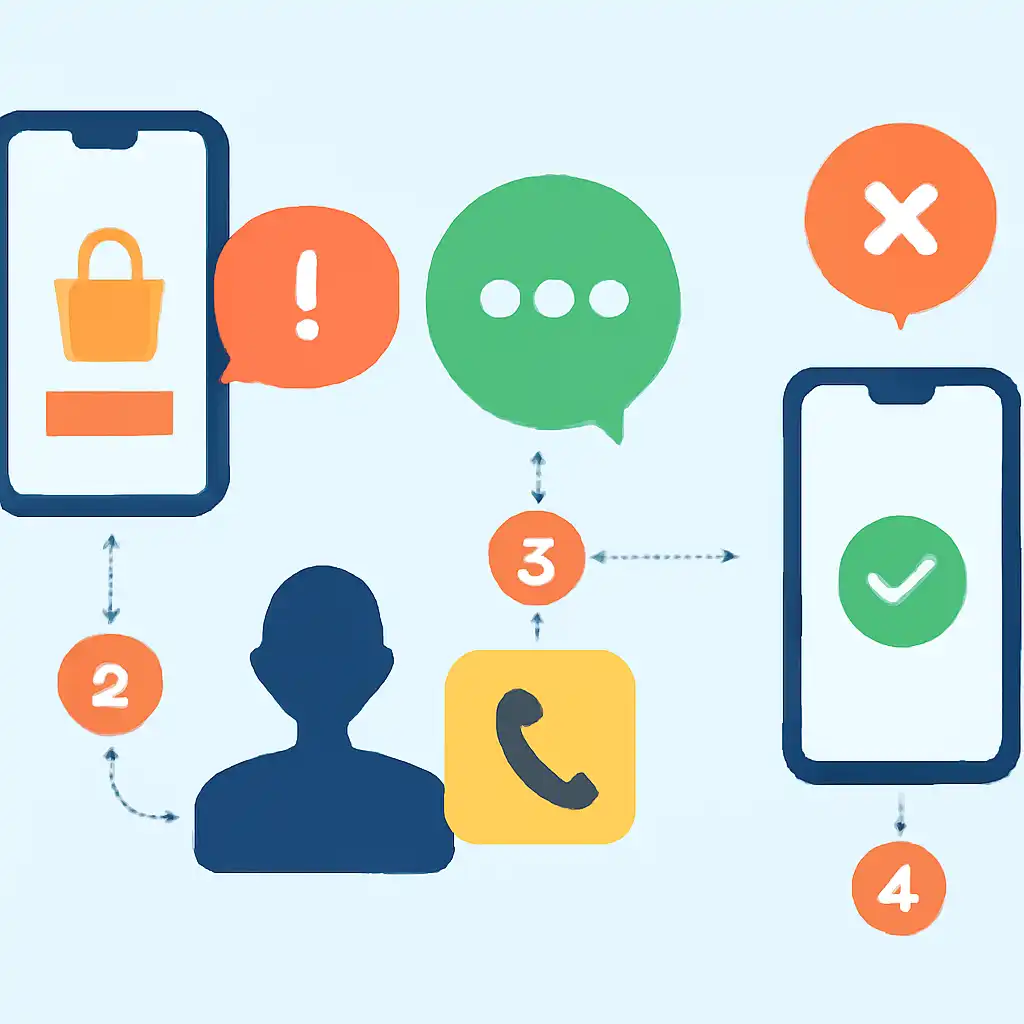
OTP Not Received, Step by Step Fix
Follow these steps in order before tapping Resend OTP more than once. Repeated resend attempts within seconds can temporarily rate-limit your number on Teen Patti Gold's SMS gateway, adding a 10 to 15 minute mandatory wait before the next code can be sent.
- Check your signal strength. Move to an open area and confirm at least 2 to 3 bars. Switch between 4G and 3G in your SIM settings if the signal is unstable.
- Toggle Airplane mode. Turn Airplane mode on for 10 seconds, then off. This forces a fresh connection to the nearest tower and clears any stuck network state.
- Verify the phone number on screen. Before tapping Resend, confirm every digit matches your active SIM. Teen Patti Gold displays the number you entered, correct it if needed.
- Clear your SMS inbox. Delete old messages until storage is well below capacity, then tap Resend OTP.
- Check app permissions. Go to Settings → Apps → Teen Patti Gold → Permissions and enable SMS. Without it, the app cannot auto-read the code even when it arrives.
- Disable DND temporarily. Dial 1909 on Airtel or Jio to check your DND status and whitelist transactional SMS through the IVRS menu or your carrier's app.
- Update Teen Patti Gold. Open the Play Store or App Store and install any pending update. Older builds sometimes carry broken OTP auto-detection.