Android APK Install, Teen Patti Gold
Everything on android apk install for teen patti gold in one place, timings, requirements and what to check first.
What is Android APK Install?
An Android APK install refers to the process of loading an application onto your Android device directly from an APK (Android Package Kit) file, bypassing the Google Play Store entirely. APK is the native file format Android uses to distribute and install apps, similar to how Windows uses .exe files.
For Teen Patti Gold, an APK install is the standard and recommended method to get the game on your device. Because real-money card games and virtual-currency social gaming apps are frequently restricted on official storefronts, the official Teen Patti Gold APK hosted on the operator's official website ensures you always receive the latest, verified build, with no region locks or store-imposed delays.
- Direct distribution: The APK comes straight from the publisher, so no third-party modifications are introduced.
- Always up to date: New chip events, seasonal tables, and bug fixes reach APK users first.
- No account required to download: You can grab the file without signing in anywhere.
- Compatible with virtually all Android devices running Android 5.0 (Lollipop) or above.
How Android APK Install Works
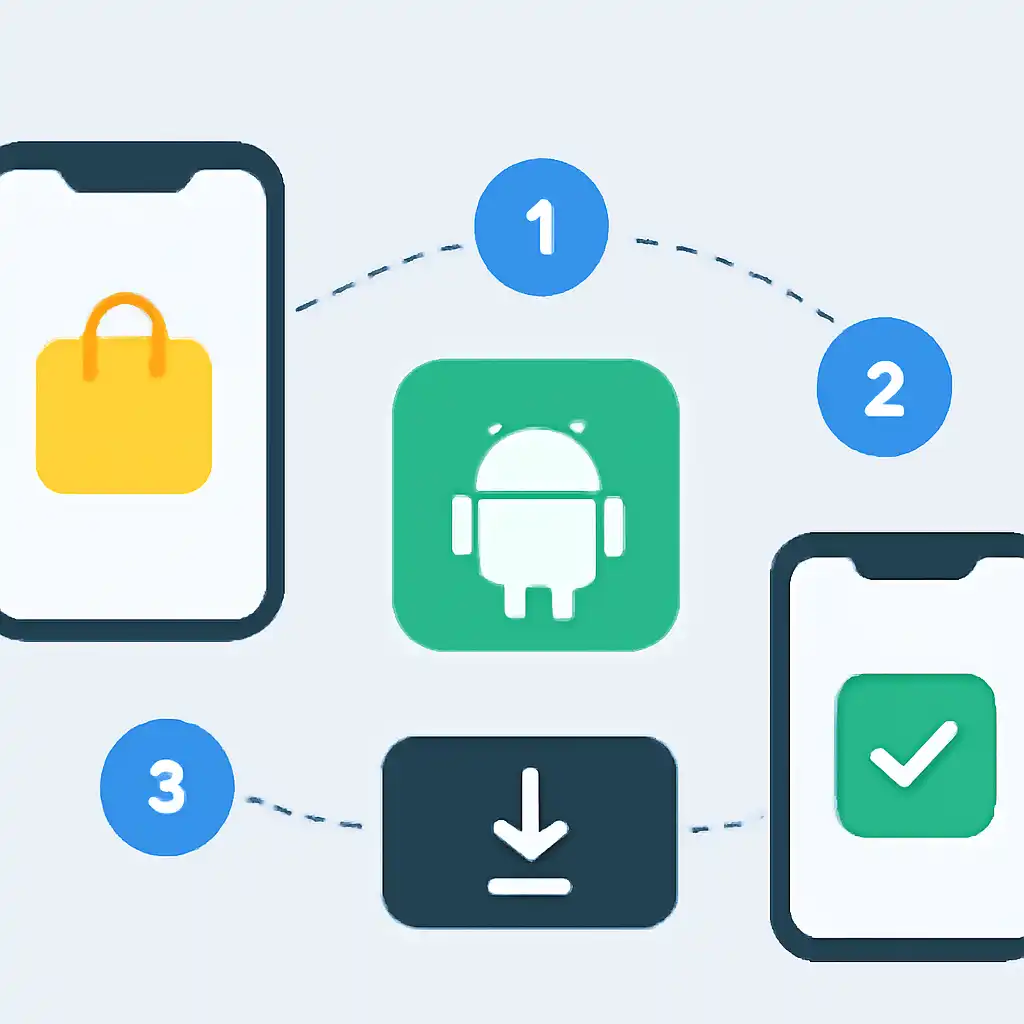
Installing Teen Patti Gold via APK takes under two minutes when you follow these exact steps. The process differs slightly depending on your Android version, but the core flow is the same.
-
Download the APK file. Tap the download button on tpgoldapp.org. Your browser will save a file named something like
TeenPattiGold_vX.XX.apkto your device's Downloads folder. -
Allow installs from unknown sources.
- Android 8.0 and above (most devices today): When you tap the APK, Android asks "Allow installs from this source?", tap Settings → Allow from this source, then press the back button to resume the install.
- Android 7.x and below: Go to Settings → Security → Unknown Sources and toggle it on before tapping the APK.
- Tap the downloaded file. Open your notification shade or go to Files → Downloads and tap the Teen Patti Gold APK. An install prompt appears showing the permissions the app needs (network access, storage for game assets, notifications).
- Tap Install. Android copies and verifies the package. This usually takes 10 to 30 seconds on a mid-range device.
- Tap Open. The game launches directly. Log in with your Facebook, Google, or guest account and your chips balance is restored automatically if you played before.

Pro tip: Keep the APK file in your Downloads folder. If you ever need to reinstall after a factory reset or device change, you won't need to re-download it from the web, just tap the saved file again.