iOS App Install, Teen Patti Gold
Ios app install: what Indian teen patti gold players need to know before they start, in plain language.
What is iOS App Install?
iOS app install for Teen Patti Gold refers to the process of downloading and setting up the Teen Patti Gold app on your iPhone or iPad. Because Teen Patti Gold is not listed on the Apple App Store in all regions, the iOS install process works through a direct IPA file or a web-clip shortcut hosted on Teen Patti Gold's official website: giving you the full native-app experience without needing a jailbroken device.
Once installed, you get access to every game mode available on the Android version: Classic Teen Patti, AK47, Joker, Rummy, and all live tournaments. Your account, chips, and friends list sync across devices, so switching from Android to iOS (or vice versa) loses nothing.
How the iOS install differs from Android
- No Play Store equivalent: Apple's App Store does not host Teen Patti Gold for Indian users, so the install comes from a trusted third-party profile or progressive web app (PWA) shortcut.
- Profile trust step required: After the file downloads, iOS asks you to trust the developer profile in Settings before the app will open, this is a one-time step unique to sideloaded iOS apps.
- Automatic updates via tpgoldapp.org: The app pings the server on launch and prompts you whenever a new build is available, so you never fall behind on chip bonuses or new game modes.
iOS App Install Tips and FAQs
Getting Teen Patti Gold running on iOS is straightforward once you know the exact steps. The tips below address the most common points where players get stuck.
Step-by-step install tips
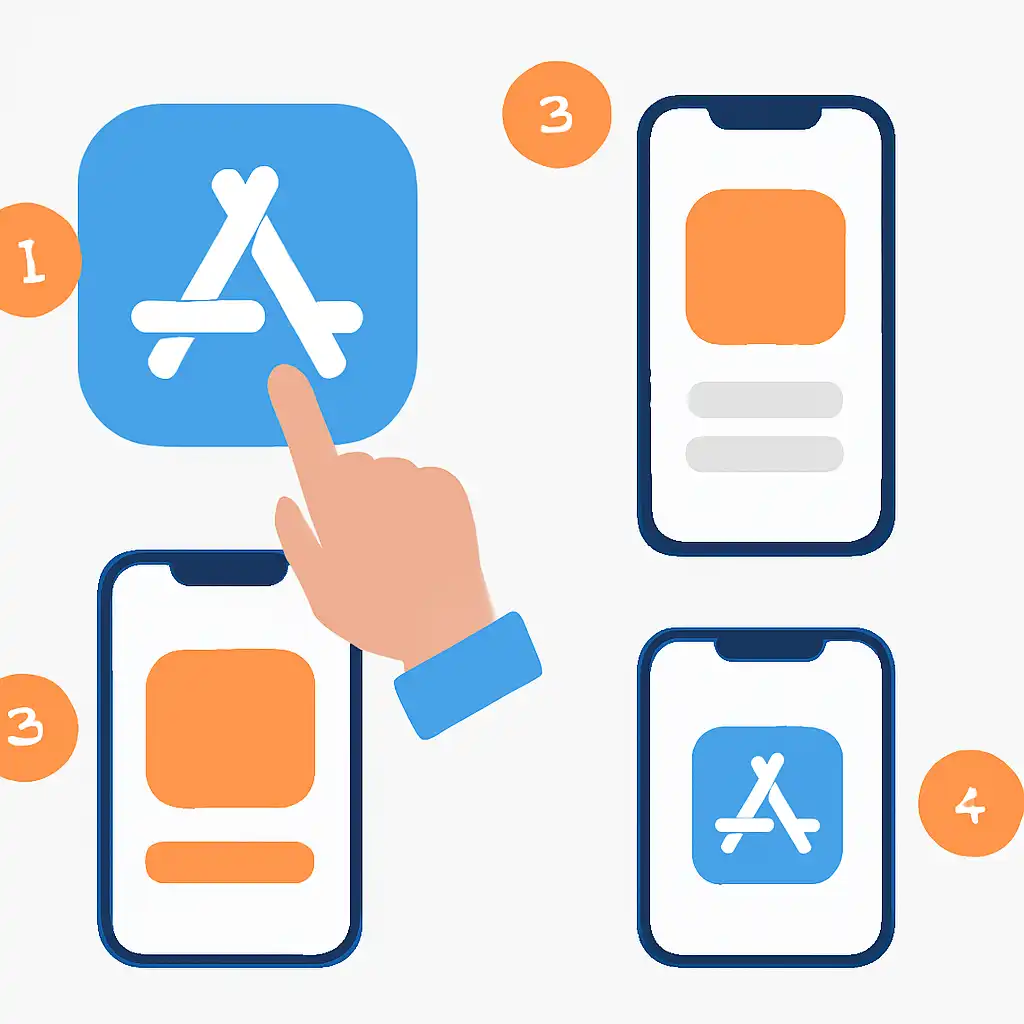
- Use Safari, not Chrome or Firefox. iOS profile downloads only trigger correctly in Safari. Open tpgoldapp.org in Safari before tapping the iOS download button.
- Allow the profile download when prompted. A popup will ask "This website is trying to download a configuration profile." Tap Allow, then go to Settings → General → VPN & Device Management to trust the profile.
- Tap Trust, then verify. Inside Device Management, tap the developer name listed under "Downloaded Profile," then tap Trust and confirm. The Teen Patti Gold icon will now appear on your Home Screen.
- Enable mobile data if Wi-Fi blocks downloads. Corporate or public Wi-Fi networks sometimes block profile installations. Switch to your mobile data (4G/5G) if the download stalls.
- Check available storage first. Teen Patti Gold requires approximately 120 MB free. Go to Settings → General → iPhone Storage and clear space if needed before downloading.
- Will Teen Patti Gold work on my iPhone model?
- Yes, the app supports iOS 13 and above, covering iPhone 6s through the latest iPhone 16 series.
- Do I need to create a new account for iOS?
- No. Log in with the same mobile number or Facebook account you use on Android. All chips, bonus history, and friends carry over instantly.
- Why does the app say "Untrusted Developer" when I open it?
- You skipped the trust step. Go to Settings → General → VPN & Device Management, find the Teen Patti Gold developer entry, and tap Trust.
- Can I install Teen Patti Gold on an iPad?
- Yes. The app scales to iPad screen sizes and runs in both portrait and landscape orientation.
- Does the iOS version support UPI deposits and withdrawals?
- Yes, the in-app wallet on iOS supports the same UPI, Paytm, and bank-transfer options available on Android.