App Update Problems, Teen Patti Gold
App update problems explained for teen patti gold: step-by-step, with the details most guides leave out.
What is App Update Problems?
App update problems in Teen Patti Gold refer to a range of technical failures that prevent the game from successfully downloading, installing, or launching a new version. These issues are distinct from general gameplay bugs, they occur specifically during the update process and can leave you stuck on an outdated version that may be blocked from joining live tables or accessing new chip promotions.
Common app update problems in Teen Patti Gold include:
- Update stuck at 0% or 99%: the download bar freezes and never completes.
- Error code on install: messages like "App not installed," "Parse error," or "Installation blocked" appear after the download finishes.
- Play Store / App Store loop: the store redirects you back to the update button without actually downloading anything.
- APK version mismatch: you downloaded the APK from a third-party site but it conflicts with the version already on your device.
- Insufficient storage error: the update fails silently because there is not enough free space on your phone.
- Server-side version enforcement: Teen Patti Gold's servers reject your login because you are running a version that is too old, even though the update itself failed.
Understanding which type of problem you are facing is the first step, because each one has a different fix. The sections below walk through the most common scenarios in plain steps.
App Update Problems for New Players
If you just installed Teen Patti Gold for the first time and are immediately prompted to update, this is normal, app stores often deliver a base version that then pulls the latest patch on first launch. New players run into a specific set of update problems that differ from those experienced by returning users.
Fresh Install Immediately Asks for Another Update
This happens when the version on the Play Store has not been synced with the latest release pushed by the Teen Patti Gold team. Fix it by:
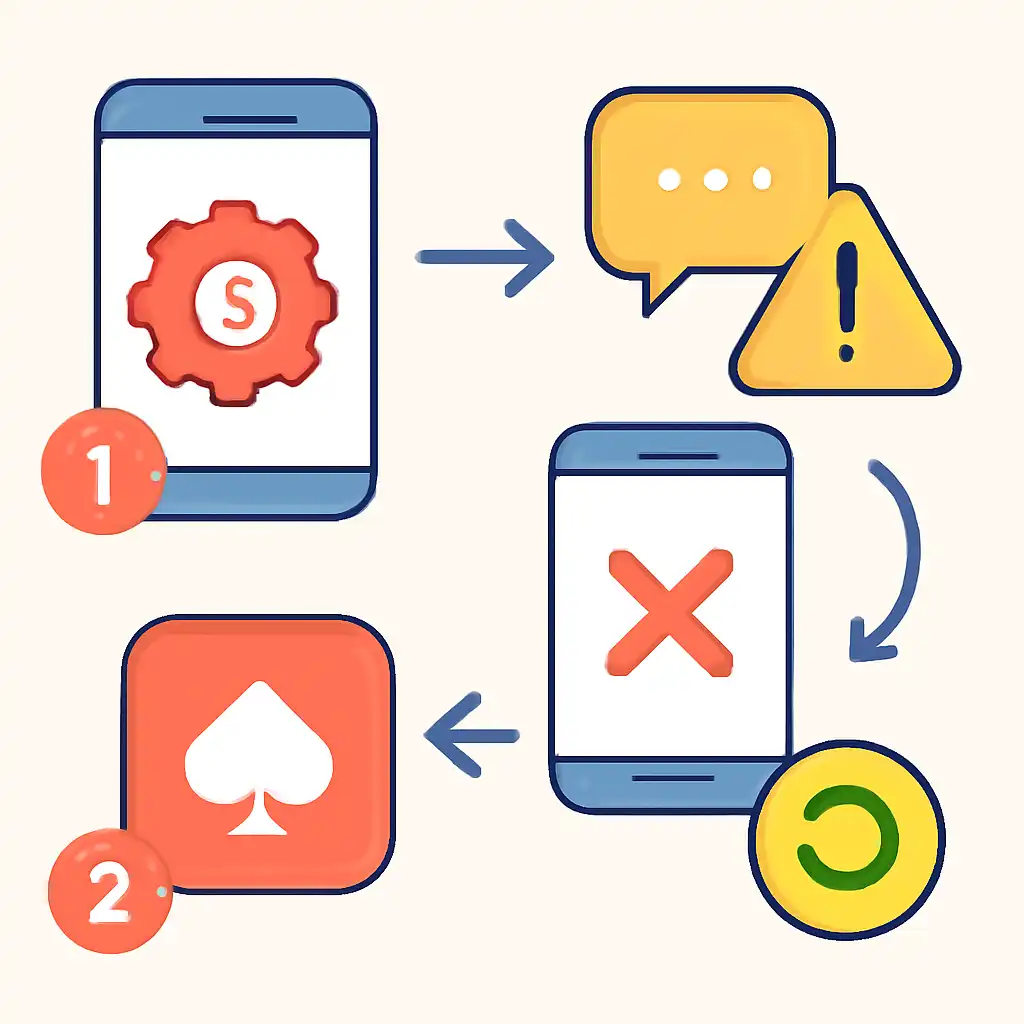
- Uninstalling the app completely.
- Clearing your Play Store cache: go to Settings → Apps → Google Play Store → Storage → Clear Cache.
- Re-searching for Teen Patti Gold and reinstalling. The store will now serve the correct, current build.
Account Creation Blocked by Old Version
New players who sideloaded an APK shared on WhatsApp or Telegram often find that the registration screen never loads. This is because the APK is outdated and the Teen Patti Gold servers reject the handshake. Always download from the official source at Teen Patti Gold's official website or the Google Play Store to get the version that matches the current server build.
Update Prompt Loops Without Downloading
New players on restricted data plans may see this if background data is blocked for the Play Store. To fix it:
- Go to Settings → Apps → Google Play Store → Data Usage.
- Enable Background Data.
- Open the Play Store, find Teen Patti Gold, and tap Update.
Device Compatibility Warning During Update
Teen Patti Gold requires Android 5.0 or later (iOS 12.0 or later on iPhone). If your device runs an older OS, the update will fail with a compatibility error. Check your OS version under Settings → About Phone → Software Information. If you cannot upgrade the OS, you may need to play on a newer device.